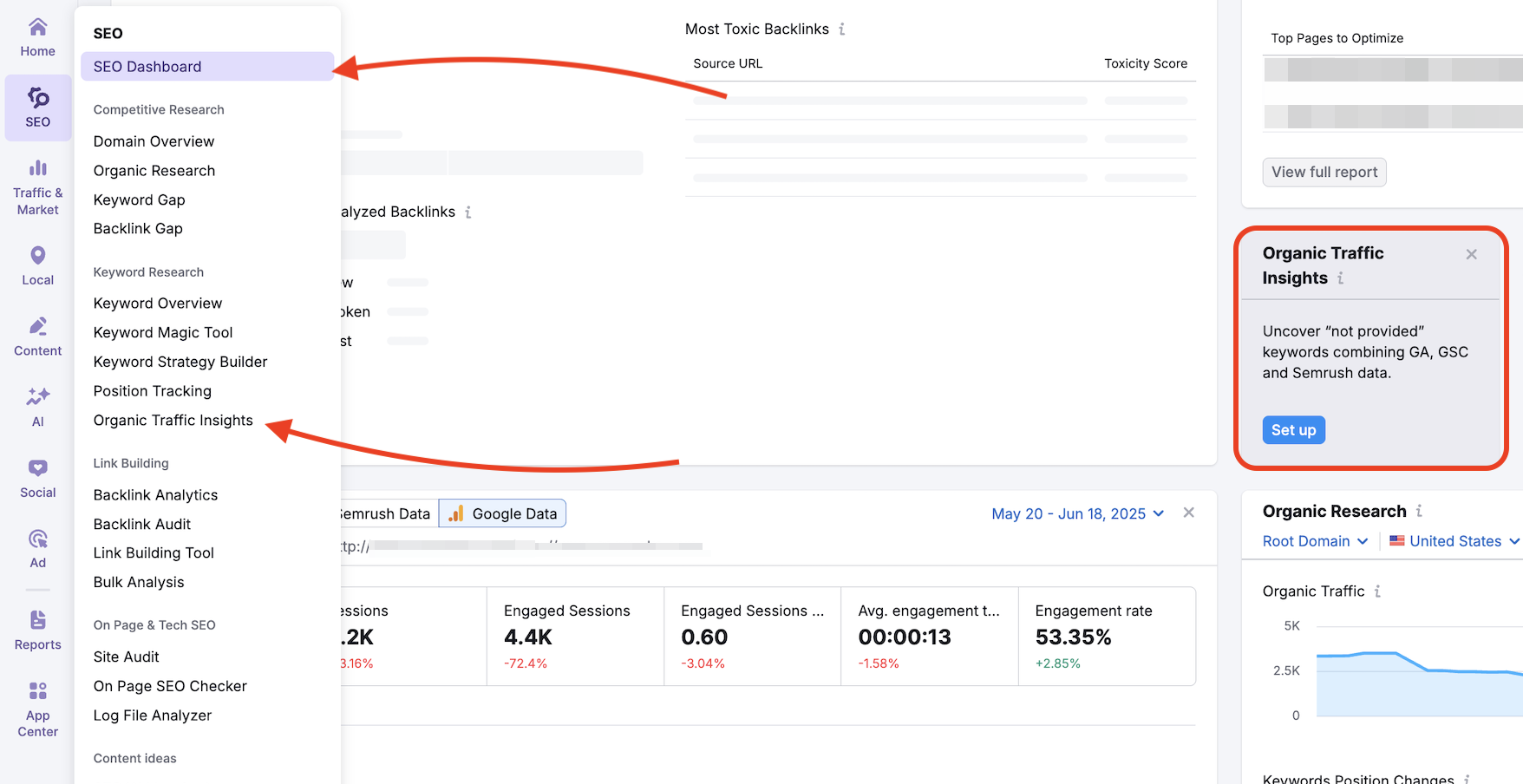
To start, navigate to Organic Traffic Insights, then select an existing folder or create a new one, and follow the prompts to configure and launch your Organic Traffic Insights campaign.
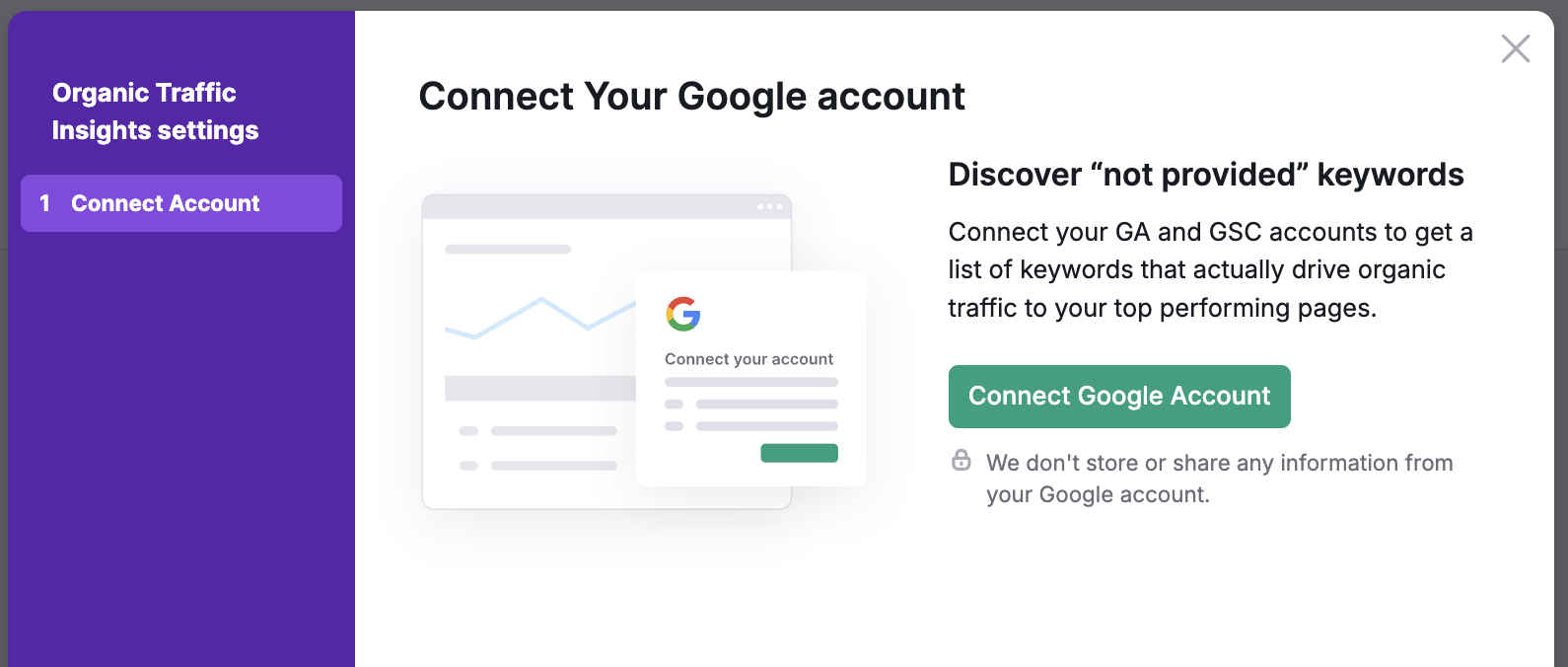
In the first step of the setup wizard, you will be provided with a brief summary screen of the benefits of using the Semrush Organic Traffic Insights.
Clicking on connect will prompt Semrush to request access to your existing Google Analytics account.
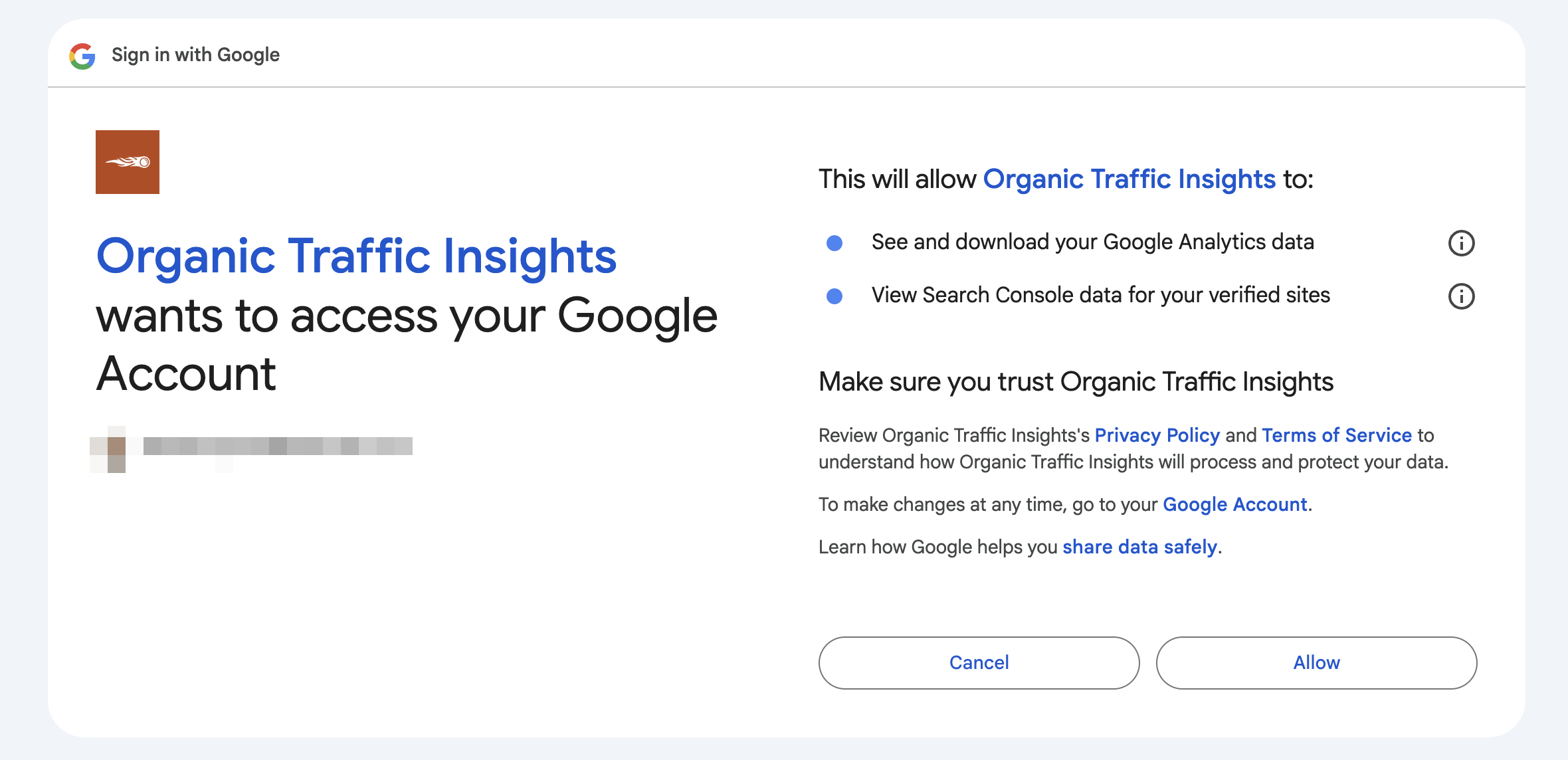
Keep in mind that you must already have an existing email linking to Google Analytics in order to connect with Semrush. Once access is granted you will be given the chance to pick which specific account, property and view from your Google Analytics that you want linked to this folder.
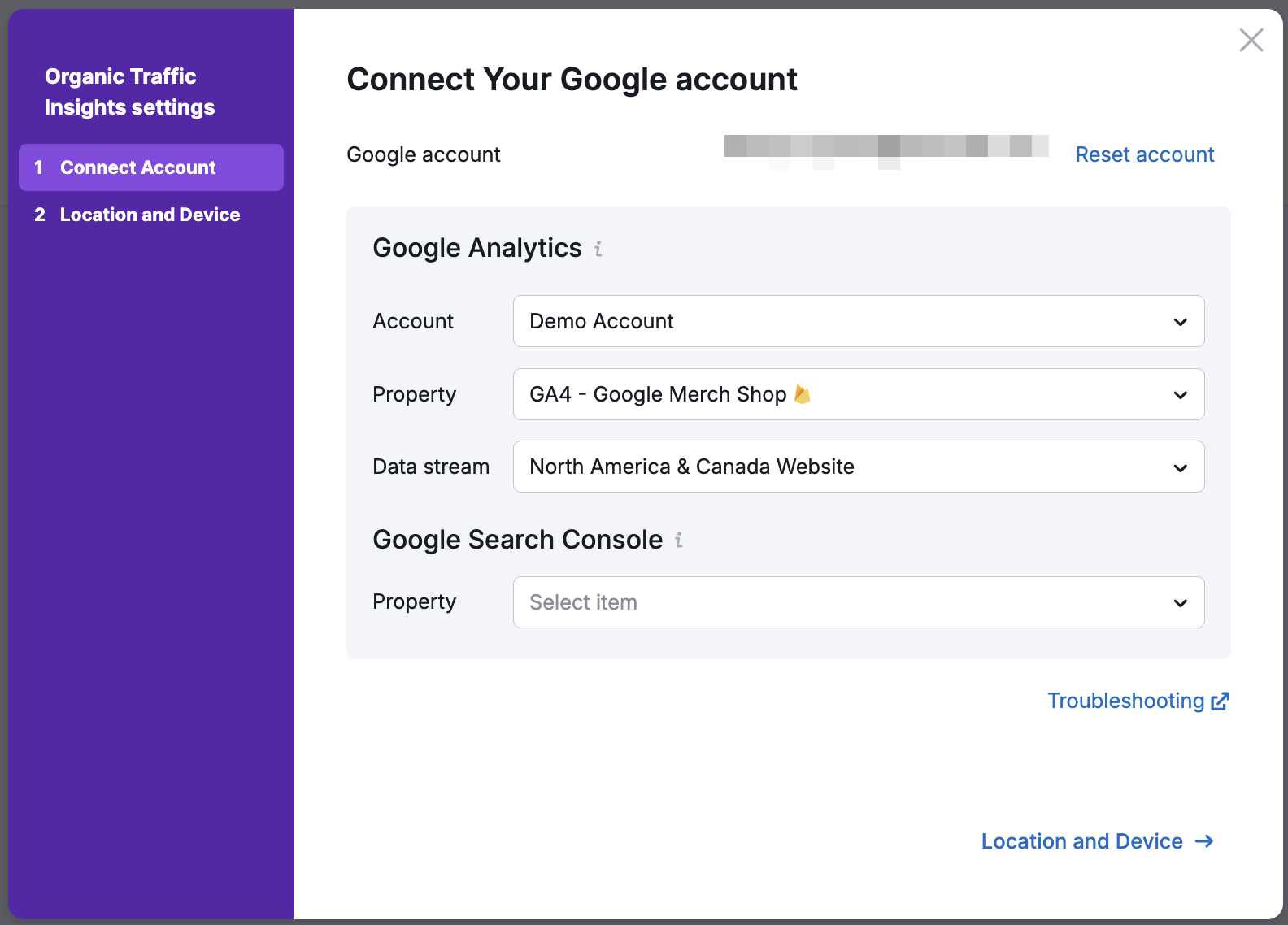
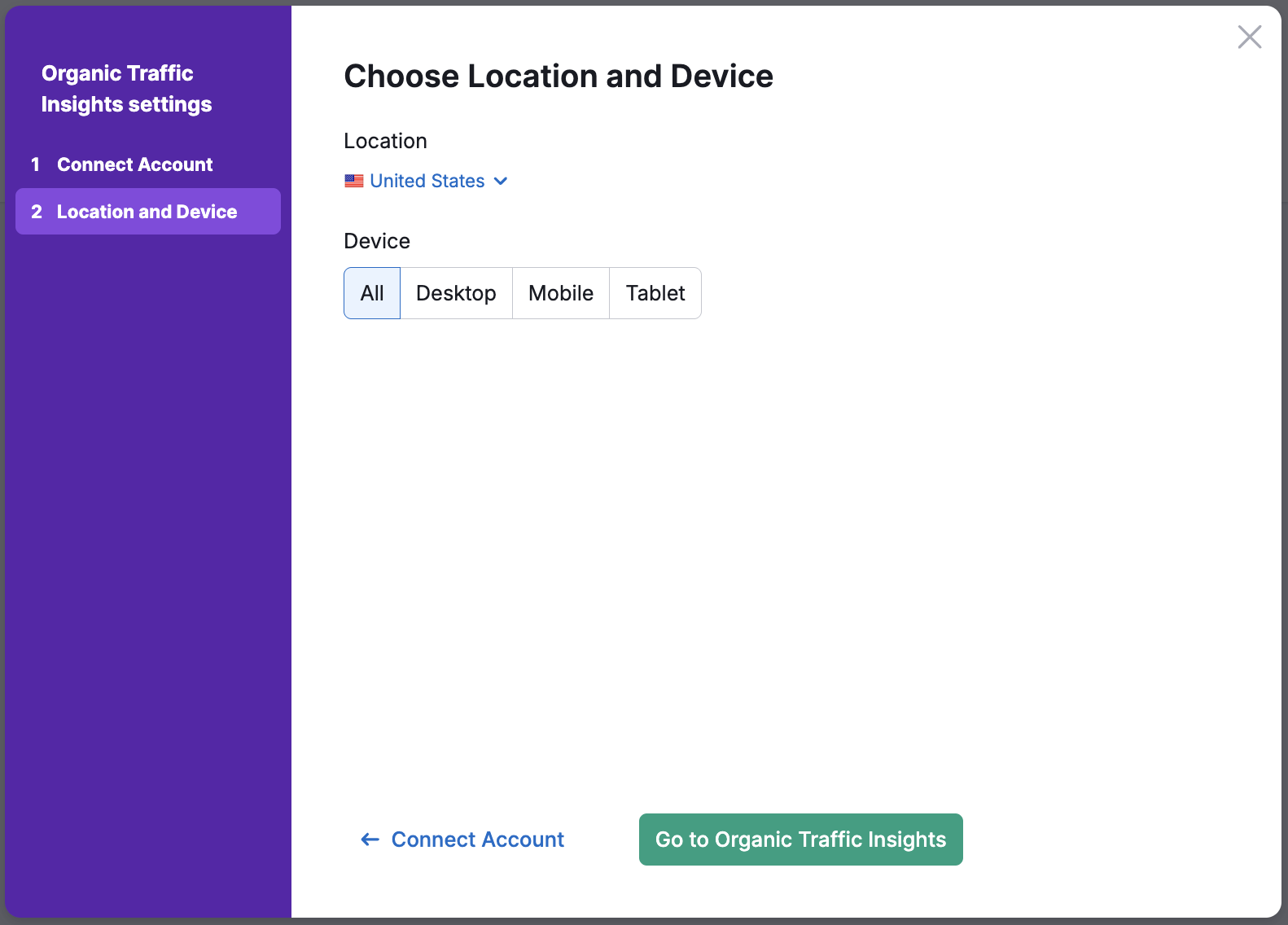
Semrush also allows you to sync your Google Search Console account in order to get an accurate keyword count for each of the pages in your report. Once you have decided which domain to analyze, you will need to choose the regional database and device of the data that will show in your report.
Semrush has over 140 different regional databases in which you are able to review your pages through the Organic Traffic Insights. You are able to change the database and device settings at any time while using the tool.
 돌아가기: Semrush 툴킷 카테고리